Yamaha AV Receivers Explained: A Practical UK Buyer's Guide
Choose a Yamaha AV receiver for a UK living room: channels, HDMI 2.1, eARC, YPAO, MusicCast, speaker matching and sensible upgrade checks.
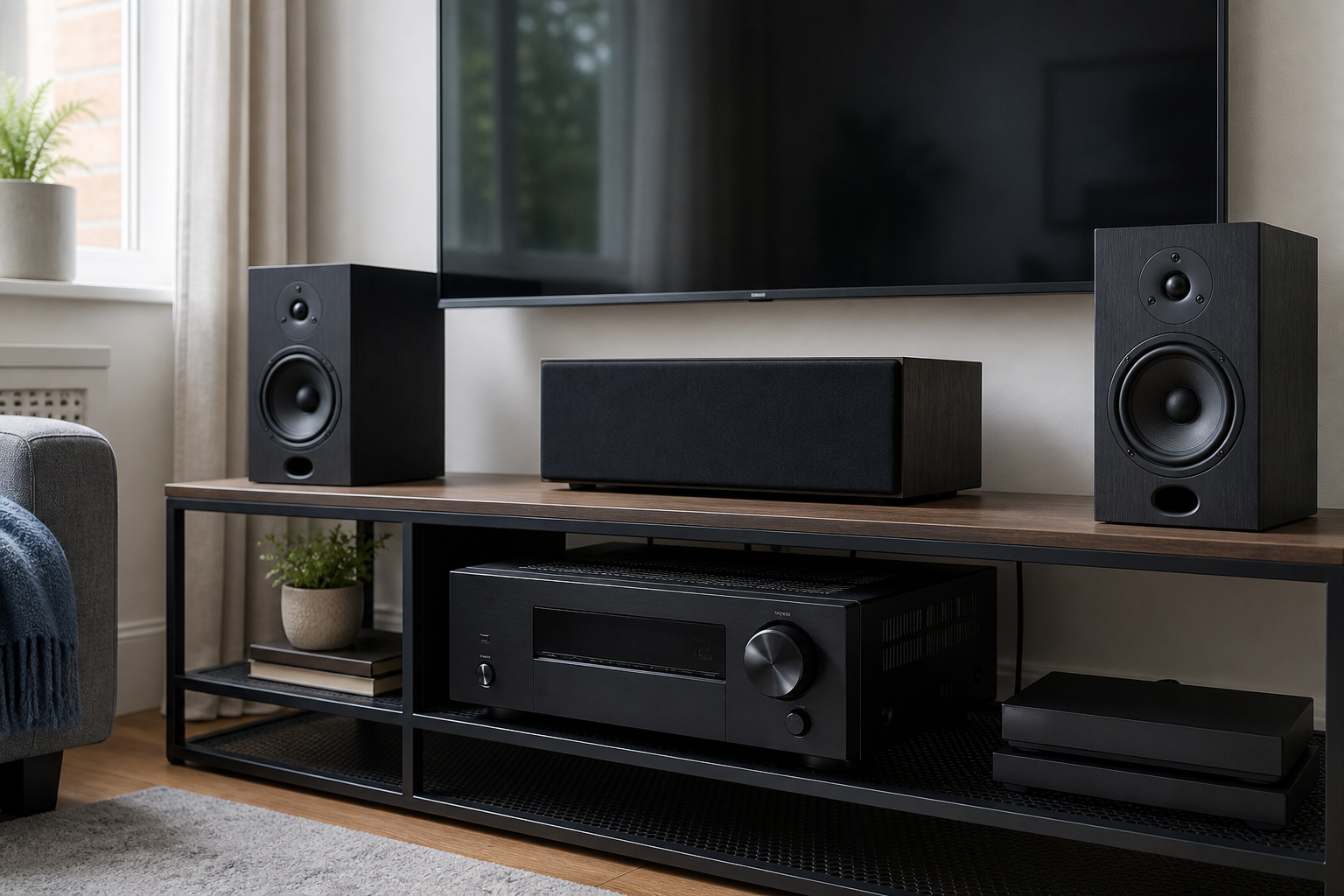
A Yamaha AV receiver can be a very sensible centrepiece for a UK home-cinema system, but only when its connections, channel count and room-correction features match the room you actually have. The model with the longest specification list is not automatically the best choice. A five-channel receiver may be ideal for a compact lounge, while a seven-channel model earns its keep only if you will add height, rear or second-zone speakers.
This guide explains the choices in practical terms. It covers current features such as HDMI 2.1, eARC, YPAO and MusicCast, but it also helps owners of older Yamaha receivers decide whether a small connectivity upgrade is more sensible than replacing a working amplifier.
The short answer: which Yamaha receiver should you buy?
Choose by system layout first, not by headline wattage.
| Your room and plan | Sensible starting point | Check before buying |
|---|---|---|
| TV, games console and a simple 5.1 speaker set | Five-channel RX-V class | Number of HDMI inputs, eARC and 4K/120 support on the inputs you will use |
| 5.1.2 Dolby Atmos or a separate second zone | Seven-channel receiver such as the RX-V6A class | Amplifier assignment, speaker terminals and whether Zone 2 disables other channels |
| Dedicated cinema room or demanding speakers | AVENTAGE class or a separate-power-amplifier path | Pre-outs, ventilation, measured speaker load and installer support |
| Good older Yamaha amp that only lacks modern wireless audio | Keep the receiver and add an external Bluetooth receiver | Available line-level input, USB power and the adapter’s published codec/support details |
The best-value purchase is the least expensive model that supports your planned speaker layout and every video source at the required resolution and refresh rate. Buying extra channels “for later” is only useful when there is a realistic route to fitting those speakers.
RX-V and AVENTAGE: what is the real difference?
Yamaha’s RX-V models cover mainstream home cinema. They combine amplification, HDMI switching, surround decoding, network audio and room correction in one chassis. For most living rooms, that is the right balance of cost and capability.
AVENTAGE models are positioned above RX-V. Depending on the particular generation, the step up can include a more substantial chassis, more capable room correction, additional connections, better pre-out options and greater installation flexibility. The exact differences change between model years, so compare the two product manuals rather than assuming every AVENTAGE receiver has every premium feature.
Do not buy by family name alone. Record the exact model number and check the UK product page or manual for:
- the number of amplified channels;
- HDMI input and output count;
- which inputs accept 4K/120 or 8K signals;
- eARC support;
- YPAO version and measurement positions;
- pre-outs and Zone 2 behaviour;
- supported wireless and network services.
Channel count: 5.1, 7.1 and Dolby Atmos without confusion
The first number describes conventional ear-level channels, the second the subwoofer feed and, where present, the third the height channels. A 5.1 system uses front left, centre, front right and two surrounds plus a subwoofer. A 5.1.2 system adds two height speakers and normally needs seven amplified channels.
That distinction matters because a receiver cannot power more speakers simultaneously than its amplifier assignment permits. A seven-channel receiver may offer 7.1, 5.1.2 or 5.1 plus a second zone, but not necessarily all of them at once. Yamaha’s setup menu and manual show the supported patterns.
For a typical UK lounge, a well-positioned 5.1 system often improves films more than squeezing extra speakers into poor positions. Prioritise a clear centre channel, balanced front speakers and sensible subwoofer placement before adding height effects.
HDMI 2.1, 4K/120 and eARC: the checks that prevent regret
“HDMI 2.1” is not a guarantee that every socket supports every HDMI 2.1 feature. Verify the exact input count and bandwidth for the model and firmware version.
Yamaha’s UK RX-V6A information lists seven HDMI inputs, one output, 4K/120 support, eARC, Variable Refresh Rate and Auto Low Latency Mode. It also records a hardware limitation affecting Quick Media Switching. That disclosure is a useful reminder to check individual features instead of relying on the HDMI version number.
Use this connection checklist:
- Count the console, disc player, TV box and streaming-device inputs you need.
- Mark which sources require 4K/120, VRR or ALLM.
- Confirm that those specific Yamaha inputs support the feature.
- Check that the TV’s chosen HDMI socket supports eARC if TV apps will send lossless or high-bandwidth audio back to the receiver.
- Use certified cables appropriate for the required bandwidth and keep difficult in-wall runs as short and accessible as possible.
If a console can connect directly to the television without losing the audio format you need, that can be a useful workaround for an older receiver. eARC then carries sound from the TV to the Yamaha.
YPAO room correction: useful, but not magic
YPAO is Yamaha’s automatic speaker setup and room-correction system. The supplied microphone measures speaker distances, levels and room response. More advanced versions add Reflected Sound Control and multi-position measurement.
Run YPAO after the furniture and speakers are in their normal positions. Place the microphone at seated ear height, keep the room quiet and avoid holding the microphone in your hand. After calibration, inspect the results rather than accepting every value blindly:
- wildly incorrect distances can indicate a wiring or placement problem;
- a speaker detected as “large” may still work better crossed to the subwoofer;
- very large level corrections deserve a second measurement;
- room correction cannot fix a speaker hidden behind furniture or a subwoofer in a severe null.
Save or photograph the original settings before experimenting. Listen to familiar speech, music and a film scene at normal volume, not only a dramatic demo.
MusicCast, AirPlay and Bluetooth
Current Yamaha network receivers can combine MusicCast multi-room control with services such as AirPlay 2, Spotify Connect, Wi-Fi and Bluetooth. The exact service list varies by model and region, and services can change, so verify the live Yamaha UK page before purchase.
MusicCast is most useful when you want app control, network playback or compatible Yamaha products in more than one room. Bluetooth is convenient for a guest’s phone or a quick connection, but compatibility depends on profiles and codecs supported by both devices. The Bluetooth SIG notes that devices need compatible profiles for the intended use; a newer Bluetooth version number alone does not prove a particular codec or a fixed latency.
If an older Yamaha receiver still sounds good but has no useful wireless input, replacement may be unnecessary. A line-level Bluetooth receiver can feed an AUX or RCA input. Our guide to adding Bluetooth to a Yamaha receiver explains the connection path, and the Bluetooth AUX adapter buying guide covers power, sockets and realistic limitations.
The BTDock 2-in-1 Bluetooth 5.4 adapter is one such option when a 3.5 mm line-level path and USB power are available. Check the live product page for the current price and published capabilities. Do not connect a line-level adapter to speaker terminals, and do not assume Bluetooth 5.4 alone guarantees a specific audio codec.
Power ratings and speaker matching
Receiver wattage figures are easy to misread because manufacturers may quote different loads, frequencies, distortion limits and numbers of channels driven. Compare like with like. Yamaha’s RX-V6A page, for example, lists 100 W with two channels driven under its stated test conditions; that is not the same as delivering 100 W to every channel simultaneously.
For ordinary domestic listening, speaker sensitivity, listening distance and room size matter at least as much as the headline wattage. Check the speaker manufacturer’s recommended amplifier range and nominal impedance. Give the receiver ventilation space and never block its top vents inside a closed cabinet.
If speakers are unusually insensitive, the room is large or sustained high output is required, seek advice based on the actual speaker load. A more powerful amplifier is not a cure for clipping caused by unrealistic volume or poor ventilation.
A setup sequence that avoids common faults
- Position the receiver where air can move around it.
- Connect and label speakers with the power off, checking polarity at both ends.
- Connect the TV to the correct ARC/eARC HDMI socket.
- Add one source at a time and confirm video and audio before adding the next.
- Update firmware using Yamaha’s instructions and do not interrupt power during the update.
- Run YPAO from the main listening position.
- Check dialogue clarity, subwoofer integration and lip-sync with familiar material.
- Photograph the final wiring and save the configuration where the model permits it.
When diagnosing a fault, simplify the system. Test one short HDMI cable and one source directly, then reintroduce switches, wall plates and long cable runs. Many apparent receiver failures are handshake, cable or source-setting problems.
Buying used in the UK
A used Yamaha receiver can offer excellent value, particularly when you do not need the newest gaming formats. Ask for the exact model number, remote control, YPAO microphone and a photograph of the rear panel. Test every HDMI input you expect to use, both speaker channels, network reset and ARC/eARC behaviour.
Confirm whether the receiver has received required firmware or hardware updates. Check for corrosion, fan noise, intermittent HDMI output and a history of overheating. Missing setup microphones and remotes are replaceable, but their cost should be reflected in the price.
For electrical products placed on the Great Britain market, official guidance recognises UKCA or CE routes where the applicable rules are met. A conformity mark is not a review score and does not prove that a second-hand unit is fault-free. Buy from a seller who accurately describes the item and provides the protections appropriate to that type of sale.
When an upgrade is worth it
Replace an older receiver when a required capability cannot be added cleanly: more amplified channels, eARC, sufficient 4K/120 inputs, modern surround decoding or reliable network integration. Keep it when the amplifier, inputs and speaker layout already meet your needs and the only gap is a replaceable source or wireless connection.
The disciplined decision is to write down the missing capability first. If the answer is “I need two 4K/120 console inputs and eARC”, compare receivers. If the answer is “I want to play music from my phone through an AUX-equipped Yamaha”, test an adapter before replacing the whole system.
Frequently asked questions
Does every Yamaha AV receiver support Dolby Atmos?
No. Atmos support and the number of usable height channels depend on the exact model and amplifier assignment. Check the UK product page and manual.
Is MusicCast the same as Bluetooth?
No. MusicCast is Yamaha’s network and multi-room platform. Bluetooth is a direct short-range wireless connection. A receiver may support both, but they serve different jobs.
Do I need eARC for ordinary TV sound?
Not always. ARC can carry common compressed formats. eARC is valuable when you need higher-bandwidth formats or more robust capability from TV apps and devices connected to the television.
Can I add Bluetooth to an older Yamaha receiver?
Usually, if it has a spare line-level AUX or RCA input. Use a powered Bluetooth receiver, select the matching input and keep volume sensible. An RCA adapter may be needed when the Bluetooth device uses 3.5 mm output.
Is a seven-channel receiver always better than a five-channel model?
No. It is better only when you need the extra channels or related features. A correctly installed five-channel system can outperform a crowded seven-channel layout.
Final buying checklist
- exact model and UK manual checked;
- enough amplified channels for the planned layout;
- enough compatible HDMI inputs for every source;
- eARC and gaming features verified by input, not assumed;
- YPAO version understood;
- speaker load and ventilation suitable;
- network services checked on the current UK page;
- used accessories, firmware and HDMI operation tested;
- replacement justified by a real missing capability.
A Yamaha AV receiver should make the system easier to use, not merely make the specification sheet longer. Start with the room, speakers and sources, then buy the model that connects those pieces without unnecessary complexity.